Creative professionals and digital content creators may soon have more options for editing images, producing videos, and designing graphics without relying exclusively on expensive commercial software. Software engineer Brandon Thomas has released a collection of open-source creative applications under the ArtCraft project, offering alternatives to seven popular Adobe products.
The suite is designed to provide free alternatives to Photoshop, Illustrator, Premiere Pro, Lightroom, Acrobat, After Effects, and InDesign. According to the announcement, the applications are available for macOS, Windows, and Linux, making them accessible to users across major desktop operating systems.
The project could attract photographers, video editors, graphic designers, students, and independent creators looking for tools that reduce their software expenses. However, the practical value of the applications will depend on their features, stability, compatibility, and ability to handle professional workflows.
ArtCraft Uses Rust and Artificial Intelligence
Brandon Thomas founded ArtCraft nearly a year before the release of the creative software suite. His professional background includes serving as CEO of Storyteller.ai and working as a software engineer at Square.
Thomas said he used Anthropic’s Opus 5.5 AI model to help recreate the seven applications using Rust, a programming language known for its emphasis on performance and memory safety.
He also emphasized that the project was not simply an experiment produced through casual AI-assisted programming. Thomas pointed to approximately 15 years of software engineering experience and around a decade of working with Rust.
His previous work reportedly includes payment infrastructure capable of handling billions of dollars in daily transaction volume, as well as projects involving robotics and optics automation.
This technical background is relevant because building creative software requires more than reproducing familiar interface designs. Applications for image editing, video production, document management, and graphic design often involve complex processing tasks, file formats, and interactions between different tools.
Artificial intelligence can assist developers with generating code and accelerating implementation, but the quality of the resulting software still depends on engineering decisions, testing, and ongoing development.
Seven Alternatives to Popular Adobe Applications
ArtCraft’s collection targets several different areas of creative and professional work. Each application is intended to provide an alternative to a familiar Adobe product.
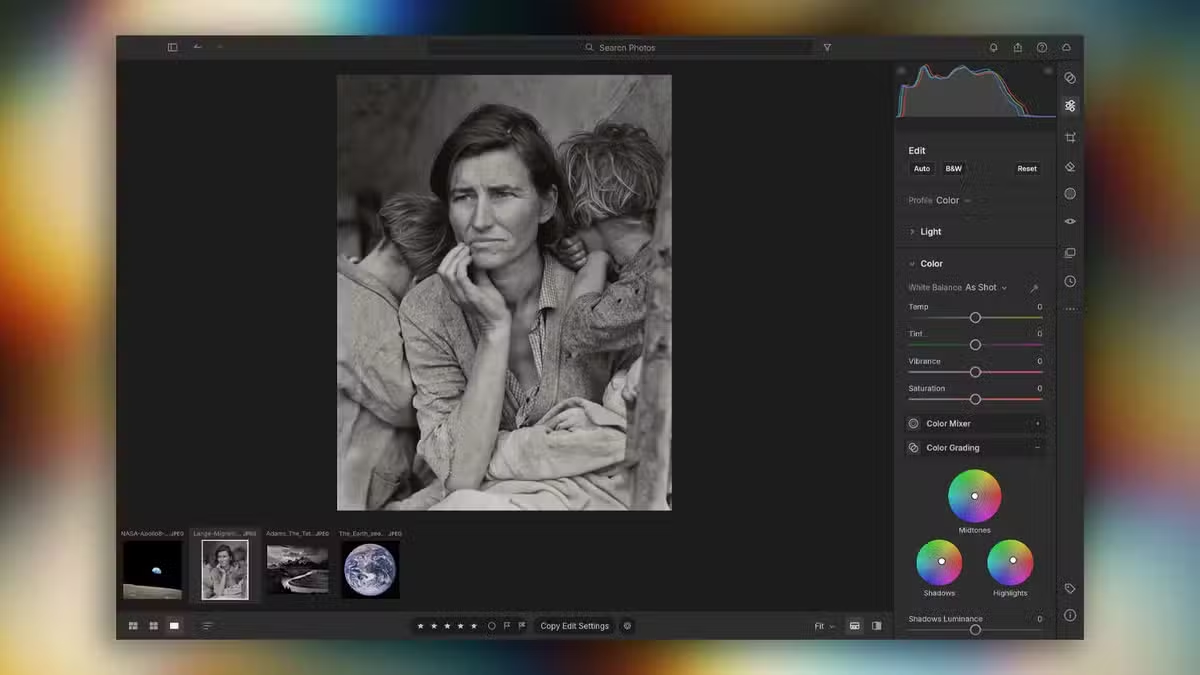
The Photoshop alternative targets image editing and photo manipulation, while the Illustrator alternative is aimed at vector graphics and illustration. The Premiere Pro alternative focuses on video editing, and the Lightroom alternative addresses photography workflows and image organization.
The suite also includes alternatives to Acrobat for PDF-related tasks, After Effects for motion graphics and visual effects, and InDesign for page layout and publishing.
These categories cover a wide range of needs, from social media graphics and photography to video production, document handling, and print design.
However, the availability of an alternative does not automatically mean it offers every feature found in its commercial counterpart. Users should evaluate individual applications before relying on them for client projects or professional production.
What Open-Source Software Means for Creators
Open-source software allows users and developers to examine and, depending on the project’s licence, modify and redistribute its source code. This model can encourage community contributions, transparency, and independent development.
For freelancers, small businesses, students, and content creators, free creative tools can reduce recurring subscription costs. They may also provide greater flexibility for people who prefer open-source software or work across different operating systems.
Nevertheless, users should check the licence terms, system requirements, supported file formats, and current feature lists for each ArtCraft application. Compatibility with existing Adobe project files may be particularly important for professionals collaborating with clients or teams that already use Adobe products.
The long-term success of the project will also depend on maintenance, security updates, bug fixes, documentation, and feedback from the developer community.
Can ArtCraft Replace Adobe Software?
ArtCraft presents an interesting development in the creative software market, particularly as artificial intelligence becomes more integrated into programming and product development. Its ambition to cover seven established software categories could make it worth exploring for people seeking alternatives to subscription-based creative tools.
Still, creators should test the applications against their own requirements before switching from established software. Professional users may need advanced editing capabilities, reliable performance with large projects, specialist plugins, or extensive file compatibility.
For beginners and budget-conscious creators, ArtCraft could offer an opportunity to explore alternative creative tools without immediately committing to expensive software subscriptions.
As the project develops, user feedback and independent testing will help determine how effectively its applications compete with established products. For now, the release highlights the growing interest in open-source creative software and the potential role of AI-assisted development in expanding the choices available to digital creators.